Architecting an AI-Powered Communication Coach: A Deep Dive into Real-Time AWS Bedrock Integration
Published on April 21, 2026
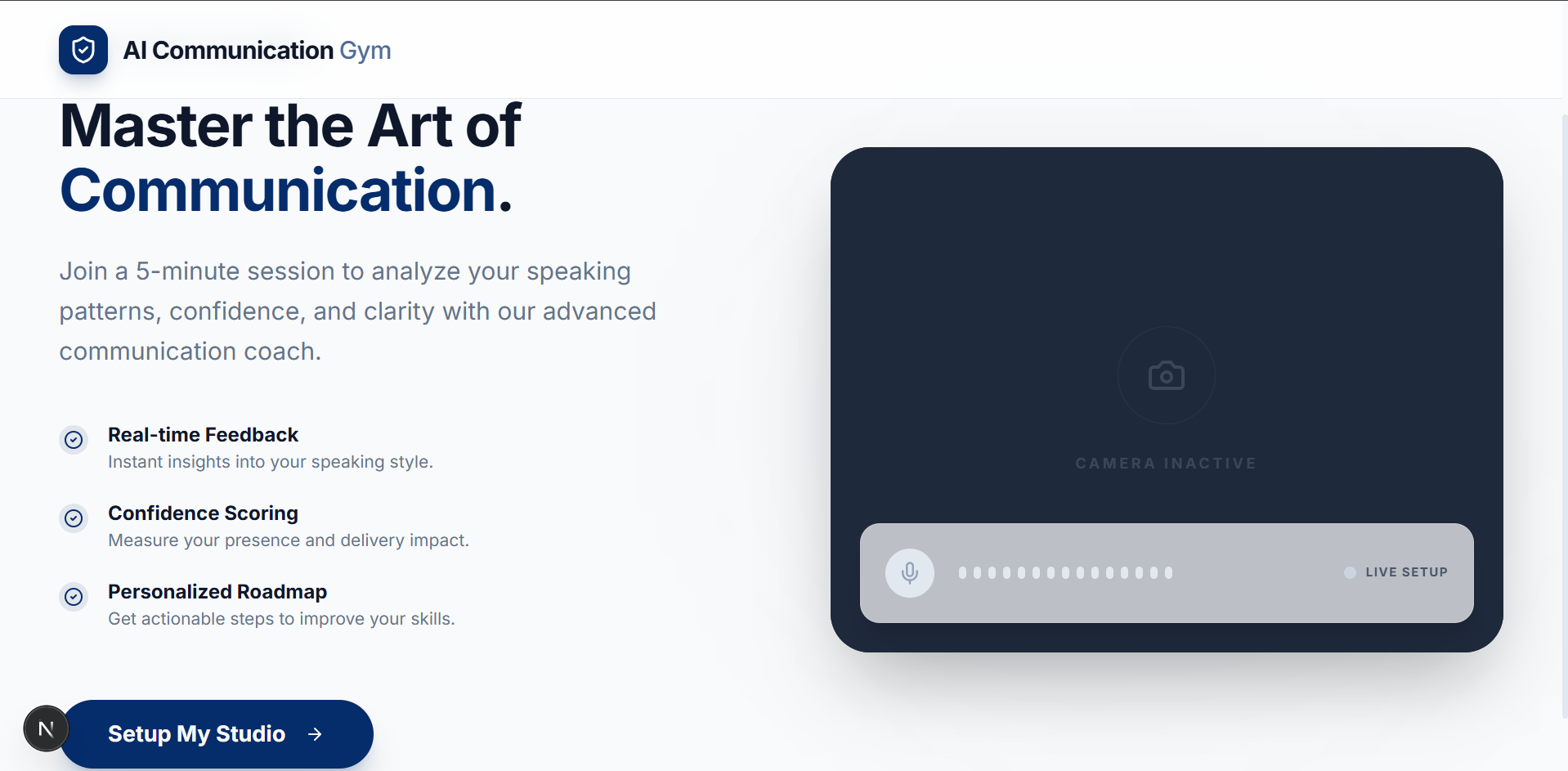
Building a Real-Time AI Communication Coach with AWS Bedrock and Rekognition
The Vision
Communication is the cornerstone of success, but getting objective feedback is hard. I set out to build an application where users can analyze their communication skills using AI in a seamless, real-time environment. The platform offers a five-minute interactive session through a Google Meet-like interface. Users converse with an AI bot, and at the end of the session, they receive a comprehensive communication analysis report delivered straight to their inbox. This report details their strengths, weaknesses, actionable insights, and precise metrics like eye contact percentage, smile percentage, and distraction levels.
Real-Time Interaction Architecture
The core of the live session relies on maintaining a low-latency conversational experience. Once a user starts a session, a persistent WebSocket connection is established with the backend. Throughout the interaction, the application captures both video and audio from the user's device. The backend securely saves the video locally as a WebM file while simultaneously forwarding the audio stream to AWS Bedrock. For the conversational engine, I leveraged the Amazon Nova Sonic 2 Pro model, a powerful speech-to-speech model. Bedrock processes the input and returns the AI assistant's audio response, which is immediately forwarded to the user's device for playback. Crucially, it also returns the text transcripts for both the user and the AI, which are stored in the backend for deeper post-session analysis.
Asynchronous Post-Session Processing
The five-minute session concludes either automatically when the timer runs out or manually via user action. At this point, the user is prompted to fill out a form providing their name and email address, which is submitted alongside a unique session identifier. The backend intercepts this submission and validates the session ID. If valid, it triggers a background asynchronous process to generate the comprehensive report and immediately sends a success response to unblock the user interface. Invalid session IDs gracefully throw an exception. This decoupled approach ensures a smooth user experience without making the user wait for compute-heavy tasks to finish.
Multimodal Data Pipeline and Vision Analytics
The background processing pipeline begins with video formatting. The original WebM file is converted into an MP4 format to ensure compatibility with downstream analytical tools. Next, the system extracts two image frames per second from the video. To manage storage securely and efficiently, the MP4 file, the extracted images, and the saved transcripts are uploaded to an Amazon S3 bucket, followed by the strict deletion of all local temporary files. With the assets in S3, the extracted frames are routed to AWS Rekognition. Utilizing the Detect Faces API, the system meticulously analyzes the visual data to compute quantitative metrics, including eye contact percentage, smile percentage, distraction percentage, and broader emotion analysis.
Generating the Ultimate Insights
The final layer of analysis fuses the visual data with the conversational context. The system invokes AWS Bedrock again, this time utilizing the Amazon Nova Pro model. The model receives a comprehensive package containing the calculated Rekognition metrics, the MP4 video file, the complete text transcript, and strict system instructions. The prompt directs the model to synthesize all these inputs and evaluate the user's performance. The Nova Pro model outputs a deeply qualitative analysis, highlighting the user's strengths, pinpointing weaknesses, providing actionable insights, and evaluating vocabulary and articulation. All of this synthesized data is securely routed through a robust Java and Spring Boot backend. The raw data payload is meticulously parsed to ensure absolutely every metric is included, mapping the data cleanly into a Thymeleaf template. This process guarantees user identification data is clearly presented and structures the feedback perfectly to avoid any layout issues. Finally, the template is rendered into a polished PDF report, with metrics precisely rounded to two decimal places and beautifully scored out of 100, which is emailed directly to the user.
Storage Management and the 24-Hour Window
To ensure the server does not run out of storage space, I implemented a daily cron job that executes at 00:00 hours. This job automatically sweeps and deletes all generated video and transcript files that are older than 24 hours. While this keeps the server clean, it introduces a strict 24-hour window for the user. If a user does not request their report within 24 hours of ending their session, their session details are permanently deleted. In such cases, attempting to generate a report later will result in an invalid session ID exception. However, as long as the initial report generation request is made within that first 24-hour period, the required data is processed and saved securely, allowing the user to make any number of subsequent requests for their report without issue.